Solo Riot Games può calcolare il tuo totale complessivo in LoL, ma ci sono due modi per visualizzarlo.
Come verificare quanto hai speso su League of Legends
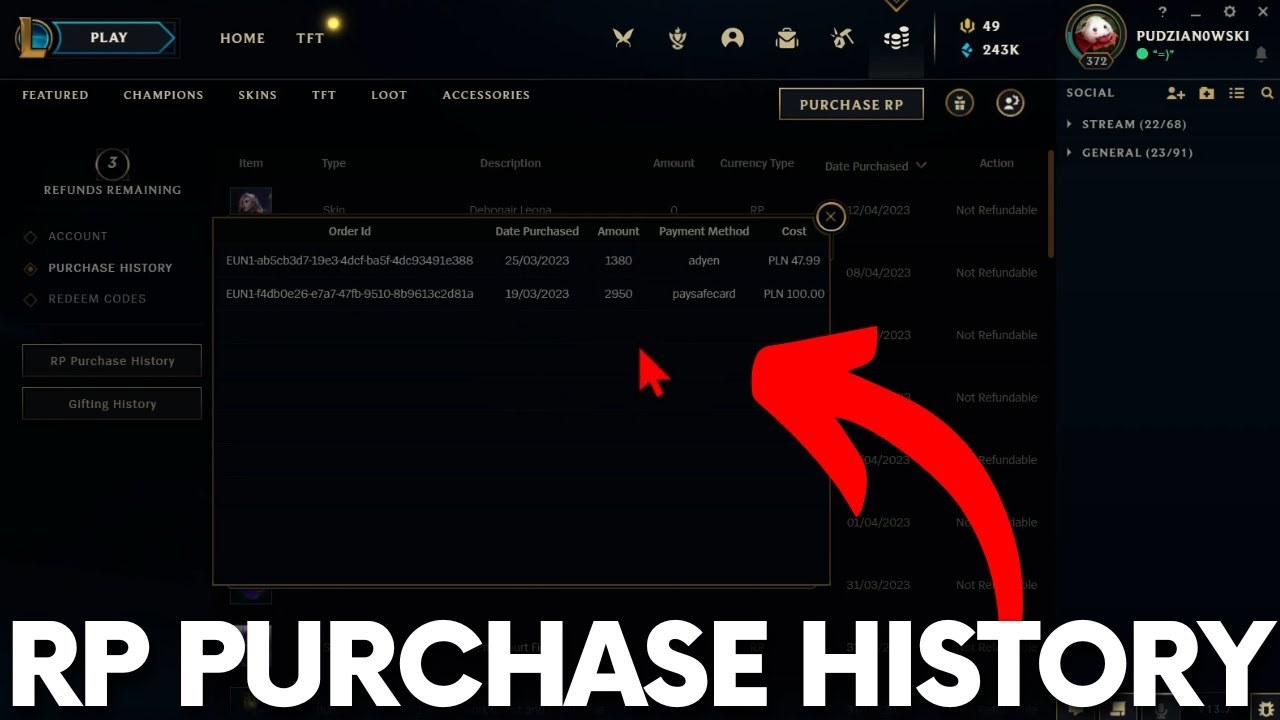
Nessun sito di terze parti può visualizzare l’importo esatto, poiché la cronologia degli acquisti rimane riservata al tuo account Riot.
Per questo motivo, ogni modo per arrivare all'importo totale passa attraverso la pagina ufficiale dell'assistenza di Riot.
Il problema è che la vecchia pagina "Quanto ho speso" non è più affidabile da giugno 2024, quindi dovrai ricorrere a un nuovo metodo.
Ecco i due metodi.
Metodo 1: la pagina "Show Me the Money" di Riot
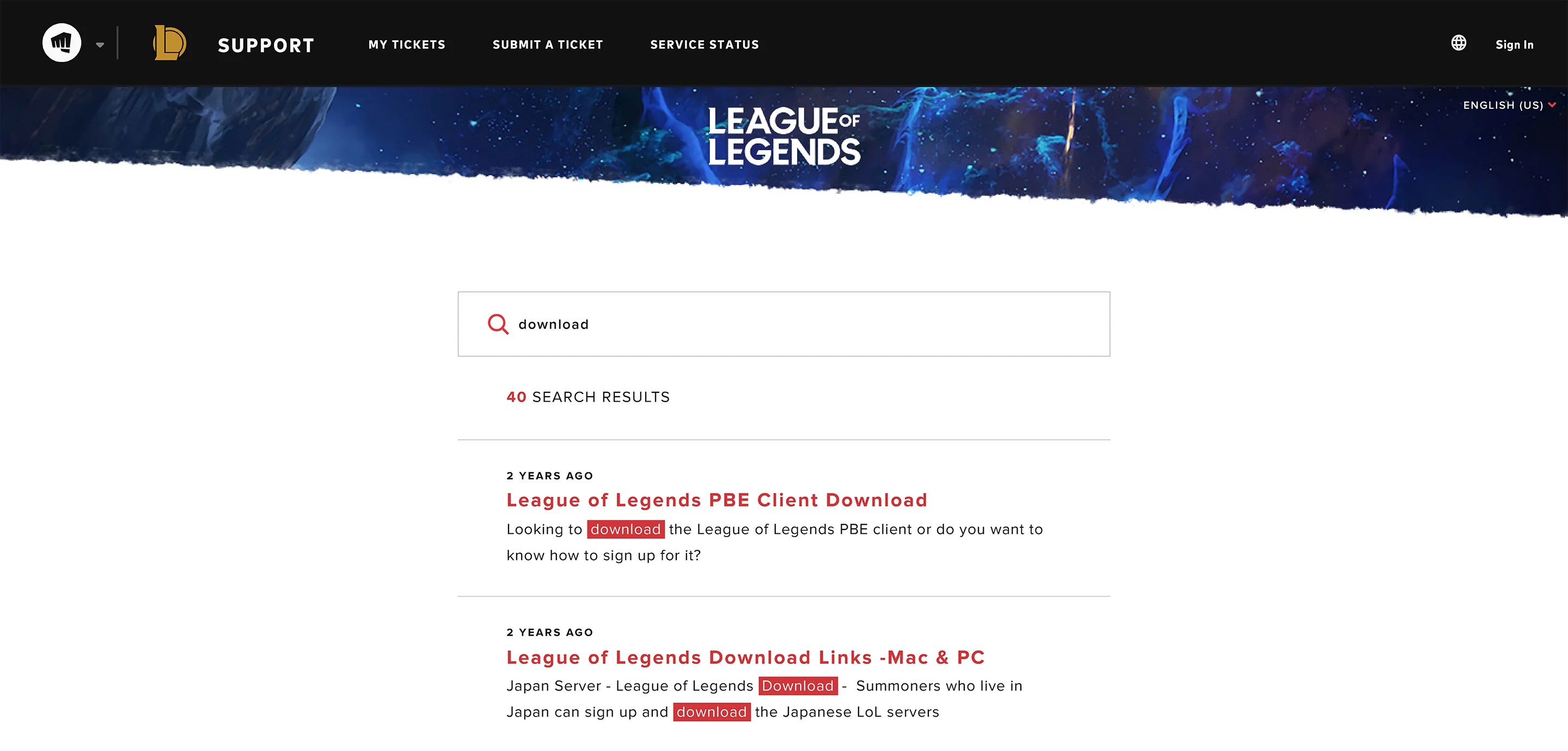
Cerca "Quanto ho speso" sul sito di assistenza di League.
Fai clic su "Accedi" ed effettua l'accesso con l'account che desideri controllare.
Il pulsante rosso sull’articolo diventa "Show Me the Money".
Cliccaci sopra. La tua spesa totale in denaro reale apparirà sulla pagina.
Ti è apparsa invece una schermata di errore? Utilizza il Metodo 2.
Metodo 2: richiedi l’importo tramite un ticket di assistenza Riot
Scorri fino in fondo a qualsiasi pagina dell'assistenza di Riot, clicca su "Invia un ticket", quindi:
Tipo di richiesta: "Gestione account, richieste di dati o cancellazione".
Oggetto: "Richiesta formale di dati personali".
Quindi: "Vorrei sapere quanto denaro ho speso con Riot Games".
Si genererà automaticamente un riquadro rosso con la scritta "Show Me the Money", che include l’importo totale.
Due dettagli che le guide tralasciano: i campi "Oggetto" e "Descrizione", contrassegnati da un asterisco, possono essere lasciati vuoti, e il ticket va inviato solo se il riquadro non compare mai.
Si trattava di una richiesta formale di dati personali, quindi i giocatori dell’UE, del Regno Unito e della California possono utilizzare lo stesso modulo per richiedere un’esportazione completa e dettagliata, con un termine per la protezione dei dati fino a 30 giorni nell’UE e nel Regno Unito e fino a 45 giorni in California.
Cosa include quel numero e cosa tralascia silenziosamente
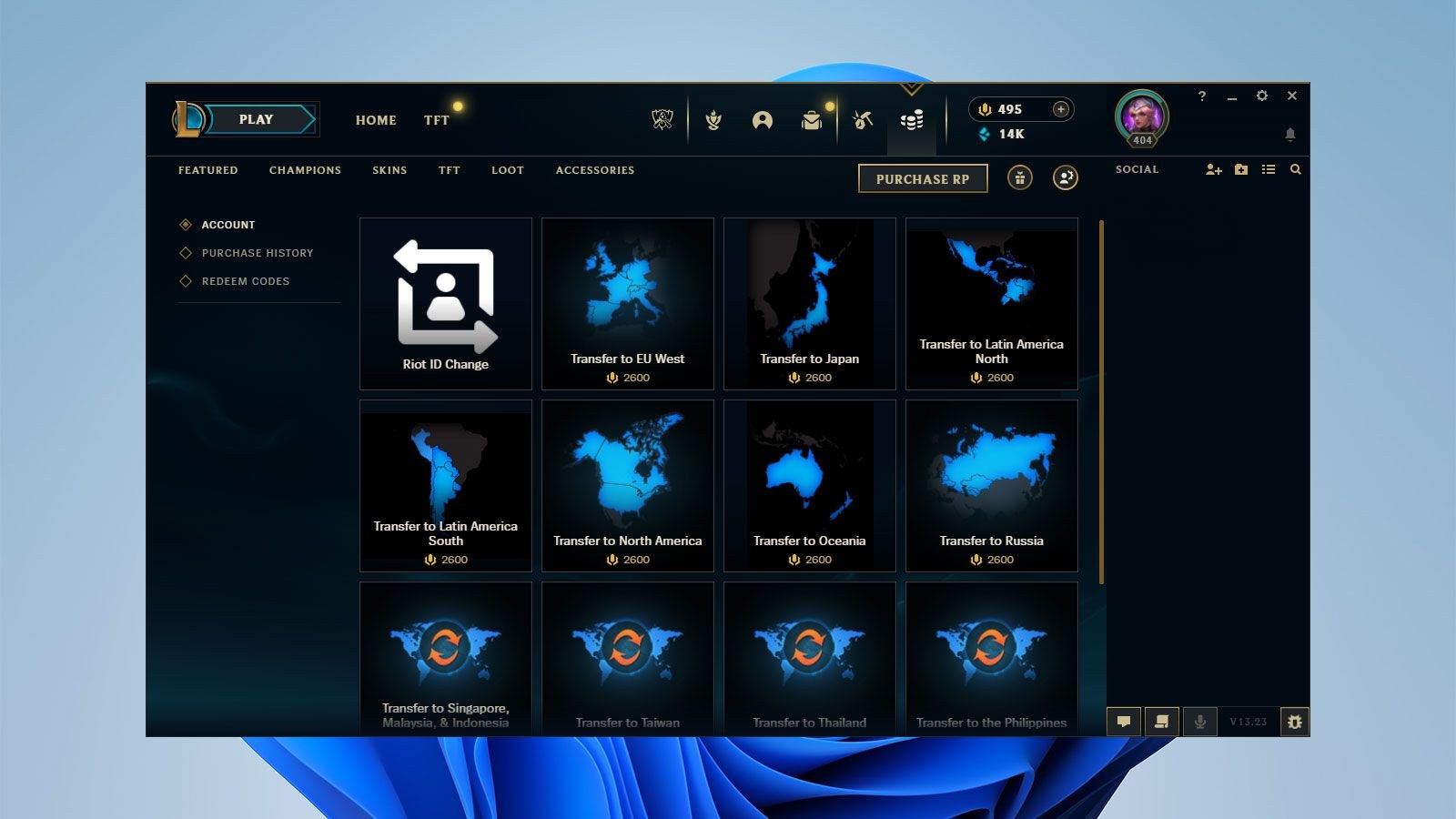
Questo valore copre solo la tua regione attuale. I trasferimenti tra server e la cronologia sono suddivisi tra i vari shard, il che richiede un’altra richiesta di assistenza per la riconciliazione. Ciò significa che ogni account secondario (smurf) necessita di una propria ricerca.
Il valore misura il denaro pagato a Riot, non i RP non spesi. Pertanto, i Riot Points vengono conteggiati, i RP delle carte regalo vengono conteggiati una volta riscattati, mentre gli acquisti di Essenza Blu non compaiono mai.
Se il totale sembra basso, calcola la tua collezione ai prezzi del negozio (1350 epiche, 1820 leggendarie, 3250 definitive) e aggiungi le skin che ti sono state regalate.
Dai un significato a quella cifra
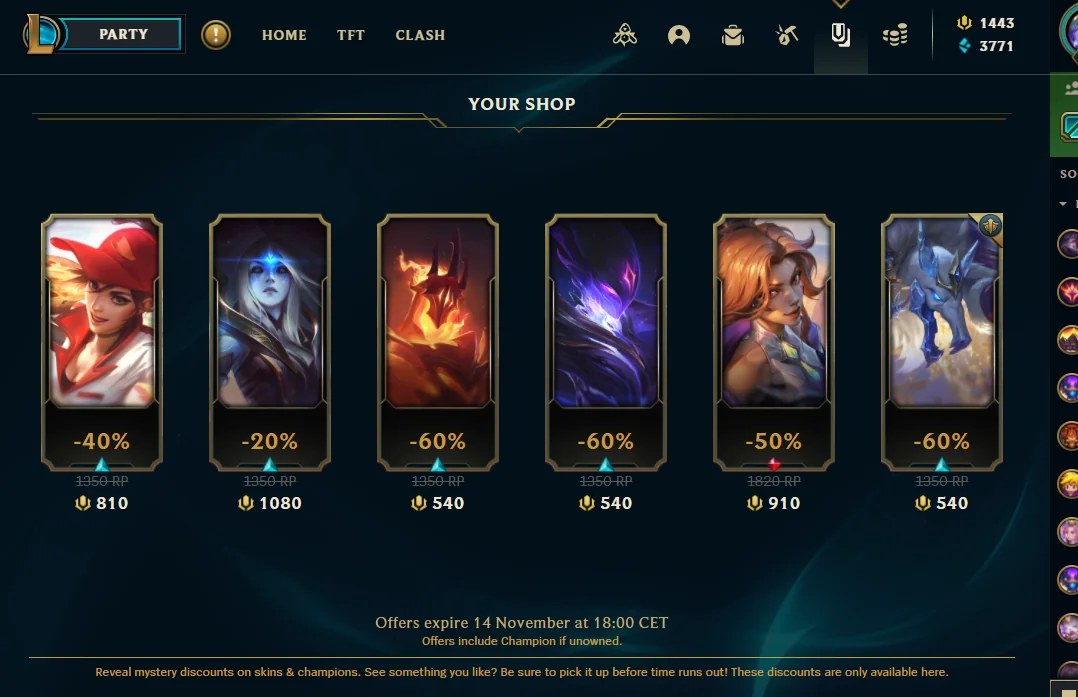
Dividi il totale complessivo per gli anni in cui hai giocato. Quello è il tuo vero budget annuale per League of Legends. Una skin da 1350 RP costa circa dieci dollari, quindi un totale di 600 $ corrisponde all’incirca a 60 skin.
La domanda sincera è: quella collezione è proprio quella che volevi, o si è accumulata per inerzia, un pass per evento e una vendita di forzieri alle 2 del mattino alla volta? Se la tua cifra annuale supera il prezzo di una sessione con un coach per elo alto, quel confronto parla da sé.
Controlla sia le ore che i dollari
Il client non dispone di un contatore del tempo di gioco complessivo, ed è per questo che esistono i siti “Wasted on LoL”. Si tratta di strumenti gratuiti per League of Legends che tengono traccia delle ore leggendo la cronologia delle partite pubbliche dal tuo ID Riot (Nome#TAG) e dalla tua regione. Qualsiasi sito che ti chieda di accedere con le credenziali Riot per ottenere il dato del tempo di gioco vuole più di quanto gli serva.
Nessuna di quelle spese ti ha fatto guadagnare un solo LP
Skin, chroma, skin per le sentinelle, emote e pass per gli eventi sono elementi cosmetici, punto e basta. Gli unici acquisti che influenzano i risultati sono lo sblocco dei campioni, che aumenta la profondità del pool per i ban e le contromosse, e i potenziamenti XP, che aumentano la velocità di livellamento piuttosto che migliorare il gioco.
Ecco la versione gratuita, per stasera. Rivedi le tue ultime tre sconfitte e annota due cose ad ogni morte: lo stato delle ondate (in avanzamento, bloccate, in collisione) e se il jungler nemico era visibile nei 15 secondi precedenti. La maggior parte dei giocatori trova la stessa risposta otto volte su dieci. È lo stesso contenuto su cui si basano gli esercizi di monitoraggio della giungla.
La versione a pagamento consiste nell’avere qualcuno con migliaia di partite nel tuo ruolo che identifichi quali morti sono stati i veri errori. Se il totale ti ha fatto rabbrividire, fai revisionare i tuoi VOD da un allenatore specializzato nella tua corsia.
Domande frequenti
Posso ottenere un rimborso per gli acquisti di League of Legends di cui mi pento?
In alcuni casi. La maggior parte dei rimborsi per i contenuti non utilizzati è possibile entro 14 giorni dalla cronologia degli acquisti dello store, senza bisogno di token. Dopodiché, ogni account dispone di tre token di rimborso che coprono i contenuti idonei risalenti fino a 90 giorni prima, di cui uno riottenibile all’anno. RP, pacchetti, pass e forzieri non sono mai idonei.
Il totale include i soldi che ho speso su Valorant, TFT o Wild Rift?
Teamfight Tactics condivide il tuo account di League e il tuo portafoglio RP, quindi Little Legends, le arene e i pass di TFT sono già inclusi nel totale. Valorant e Wild Rift utilizzano valute separate con canali di assistenza distinti, quindi invia la stessa richiesta per quei titoli.
Cosa succede se la casella “Show Me the Money” non compare mai?
Completa il ticket e invialo. Inserisci un oggetto semplice, indica la tua regione e il tuo Riot ID nella descrizione e attendi una risposta da parte di un operatore entro circa tre-cinque giorni lavorativi. Invia la richiesta dall’account che desideri venga controllato.
I tracker del tempo di gioco "Wasted on LoL" sono precisi?
Più o meno. L’API delle partite di Riot copre all’incirca gli ultimi due anni, e gli sviluppatori hanno segnalato lacune ben all’interno di quel periodo, quindi le vecchie partite ARAM sono andate perse. I tracker contano solo la durata in-game, mai la selezione dei campioni o il tempo di attesa in coda, e un cambio di nome al massimo rende obsoleta la pagina memorizzata nella cache del tracker fino a quando non viene cercato il nuovo Riot ID.